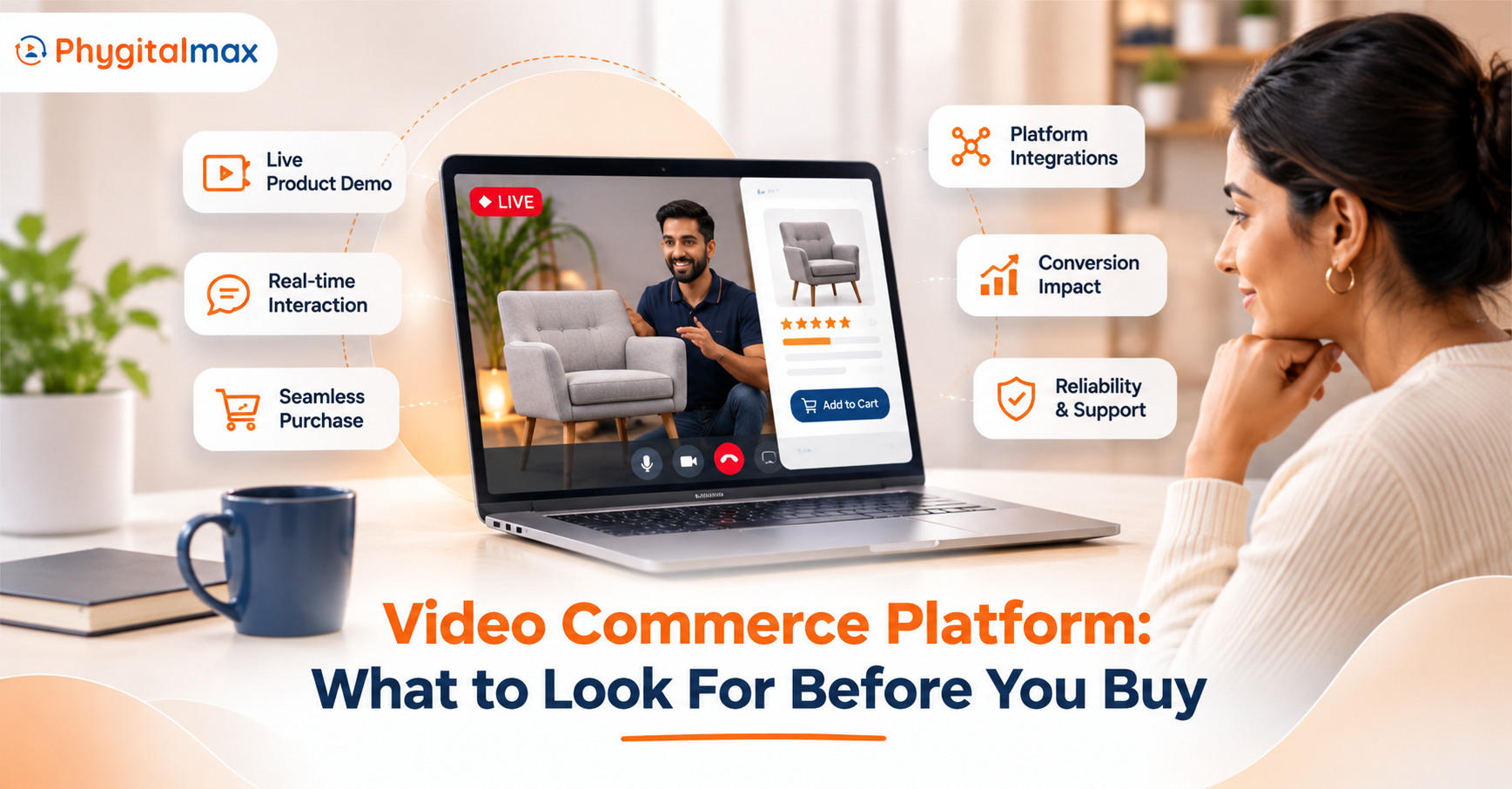
You have probably been through this. You sit through a vendor demo. The Video commerce platform looks smooth, the dashboard is full of charts, and everything seems possible.
Then the questions start. Who runs the video sessions on our side? Will it connect to our website and CRM? What happens to the customer’s data? And does it help after the sale, or only before it?
A video commerce platform is a real investment, and the wrong pick is expensive to undo. This guide gives you a plain checklist to use before you sign anything, plus how to think about sales, support and the customer experience in between.
What Is a Video Commerce Platform?
A video commerce platform is software that lets a brand sell and support customers using video. That can be live or recorded, and one to one or one to many.
Put simply: it puts a face, a voice and a product on screen at the moment the customer is deciding.
Not every tool in this space does the same job, which is where many buyers go wrong. They compare tools that are built for different goals.
The Four Types of Video Commerce Platform
Broadcast live shopping
A host presents products to a live audience, often on a schedule, like a TV shopping show. It works for launches and sale events. Reach is large, but each viewer gets little personal attention.
Shoppable video
Recorded videos with clickable products. They are easy to scale and can run all day, but the customer cannot ask a question or get a reply.
Live video on your own site (one to one)
A real salesperson appears on your product page and talks to one shopper at a time. This suits high-value or considered purchases, where doubts decide the sale. It is the closest thing online to a store associate walking over.
Social and marketplace-led live selling
Live sessions run inside a social app or marketplace. You gain discovery, but the platform usually owns the audience and much of the data.
None of these is better in every case. The right one depends on your sales problem, and that is the first question to answer.
Read more: Live Shopping vs Traditional Ecommerce | Video Commerce in India: From Early Experiment to Standard Infrastructure

Start With Your Sales Problem, Not the Feature List
Before you open a single vendor deck, write down the problem in one sentence. A few common ones:
- “Shoppers leave before they buy.” Look at on-site live video and cart-stage help.
- “We need to launch products with buzz.” Look at broadcast live shopping.
- “Our customers cannot judge the product from photos.” Look at live product demonstrations.
- “Support calls and returns are too high.” Look at live video for setup and troubleshooting.
If you cannot state the problem, every demo will look impressive, and none will feel right.
The Video Commerce Platform Buyer’s Checklist
1. Human staffing and support
Video commerce still needs people. Ask who will be on the other side of the camera and how that works.
- Always-on or scheduled? Always-on means a shopper can connect right away. Scheduled sessions are booked in advance. Many brands use both.
- Who staffs it? Your own team, the vendor’s team, or a mix. Be clear on cost and training.
- What happens when no one is free? Check what the customer sees outside staffed hours.
- How many sessions at once? Ask how the platform handles busy periods.
Read more: Always-On vs Scheduled Live Demos: Which Staffing Model Fits Your Brand?
2. Integrations
A platform that does not connect to your stack creates extra manual work.
- Your website or store platform and product catalog.
- Your CRM, so every live conversation becomes a lead record.
- Your checkout or order system, so a decision can turn into a purchase.
- Your analytics tools, so results do not sit in a silo.
A good way to test this is to follow one product from catalog to live session to order and report. If any step needs a workaround, ask why.
3. Analytics that connect to revenue
Views and likes are easy to count. Sales are what matter.
- Can you see which sessions led to a purchase?
- Can you tell pre-sales conversations from support ones?
- How long is your data kept, and can you export it?
- Can you review recordings or notes to improve the next session?
4. Security and privacy
You will be handling customer faces, voices, conversations and contact details. Treat this as a core criterion, not a final tick box.
- Ask where data is stored, who can access it, and how long it is kept.
- Ask how consent and notices are handled for video sessions.
- India’s Digital Personal Data Protection Act, 2023 and its Rules, notified in November 2025, are being phased in. Law firm commentary points to most consent and notice duties applying from 2027. Confirm the exact timelines with your legal team, and ask each vendor how they are preparing.
5. Customer experience on the page
If the customer struggles to join, they will leave.
- Can a shopper join in one tap, without downloading an app?
- Does it work well on a phone, where most Indian shoppers browse?
- How does the tool affect page speed? Slow pages hurt shoppers and search rankings. Google explains the basics under Core Web Vitals.
6. Reliability, support and pricing
- What is the uptime record, and what support do you get when something breaks mid-session?
- How is pricing set: per seat, per session, per usage or flat? Ask for the full cost, including staffing and setup, not just the licence.
- What does the onboarding plan look like, and who owns it?
Test the Transaction, Not the Presentation
A demo shows the platform at its best. A pilot shows it at its most honest.
Ask for a small, time-boxed pilot on one product category. Run real customers through it. Then check three things: did customers join easily, did the team find it manageable, and could you see the result in your own numbers?
If a vendor resists a pilot, that tells you something.
Sales Use Cases: Where Video Commerce Helps Before the Purchase
Pre-sales is where most brands start, and for good reason.
- Product demonstrations: a salesperson shows the product working, so the buyer sees what a spec sheet cannot say. See our guide to product demonstration meaning, types and examples.
- Guided selling: a person helps the buyer compare options and choose, instead of leaving them with ten tabs open.
- Cart-stage help: a shopper with a full cart and one open doubt can get an answer before they leave. Read how this works in cart abandonment and live video commerce.
- High-value purchases: the higher the price, the more a buyer wants to see and ask.
Read more: 1:1 Live Video Shopping | Live Expert Demonstration on Product Pages
Support Use Cases: Where Video Commerce Helps After the Purchase
The sale is not the end. The first week with a product decides whether a customer stays happy or asks for a return.
- Setup help: walk a customer through installation or first use on camera.
- Troubleshooting: when a problem is hard to describe, seeing it is faster than ten messages.
- Fewer avoidable returns: many returns come from a product not matching expectations, which a live conversation can correct early. Our post on why online mattress returns are high shows this with one product.
- A stronger brand impression: customers remember being helped by a real person.
Read more: Live Demo Before the Sale, Live Demo After: Using Video for Setup | Live Video Customer Support | Customer Support ROI
Why the Human Part Still Matters
It is tempting to put a chatbot in front of everything. Buyers do not always agree.
- EY’s 2024 Future Consumer Index found that 78% of Indian consumers prefer to shop on platforms that offer human customer service support.
- Gartner’s 2026 survey reports that 87% of customers say access to a human agent is essential when companies use GenAI in customer service.
Automation has a place, and the best setups use both. But when a customer is deciding or stuck, a person on screen builds trust that text alone does not. We compare the two in live video demo vs chatbot.
What a D2C Setup Looks Like in Practice
For brands that sell to consumers, here is what the full journey can look like.
A buyer starts on a guide or review page, reading about a product they are considering. Next to the content, there is a simple way to see the product live. They click or scan, join a free video session, watch the product work and ask an expert their question. Then they decide.
GizmoSmart is one example of this setup. It publishes buying guides and comparisons for appliances and other products, and pairs them with live video demos run on PhygitalMax. You can see how it works on the GizmoSmart live demo page or browse the GizmoSmart homepage.
The same pattern works for any brand: helpful content to bring people in, and a real person to help them decide.
Where PhygitalMax Fits: Live Video on Your Website, App or WhatsApp
Customers do not all start in the same place. Some land on your website, some open your app, and many just message you on WhatsApp. A video commerce platform should meet them where they already are.
That is how the PhygitalMax live video platform works. You can integrate it:
- Inside your website: a shopper on a product page can connect with a live salesperson in one click.
- Inside your app: the same live help is available to customers who prefer to buy or get support in your app.
- Through a WhatsApp channel: a customer who messages you can move to a live video conversation, without switching tools.
- Through other channels you use: the platform can be set up on the channel that suits your customers.
It also works as a tech support channel, not just a sales one. A customer who is stuck with setup or a problem can reach an expert on live video, show the issue on camera and get it fixed together. That is often faster than a long chat thread or a phone call.
The result is one live video layer that serves both sides of the journey: helping people decide before they buy, and helping them get value after.
If you want to see how this would look on your own website, app or WhatsApp channel, book a live demo or talk to our team.
Common Mistakes to Avoid
- Buying on the demo alone: a presentation is not a pilot.
- Mixing up types: comparing a broadcast tool with a one to one tool leads to the wrong choice.
- Ignoring staffing: the platform is only half of it, because someone must be on camera.
- Tracking vanity metrics: views feel good, but revenue pays for the program.
- Treating security as a late step: build it into the first conversation.
Start With the Person on the Page: How We Think About It
At PhygitalMax, we start from one belief: when a buyer is ready to talk, someone should be there. That is why we offer both always-on connection with Connect Now and scheduled demos, one to one for a high-intent buyer or one to many around a launch.
We are open about the fact that it suits some goals more than others. If your problem is high-intent buyers who need guidance, it fits well. If you need large broadcast events only, check that it matches.
What This Means for the Business
- Clearer decisions: you buy for a defined problem, not a feature list.
- Fewer surprises: a pilot and a checklist catch gaps early.
- Better use of your team: staffing is planned, not improvised.
- Support and sales in one layer: one setup serves both sides of the customer journey.
- A more human brand: customers feel looked after, and they tell others.
Read more: The Trust Gap: Why Buyers Hesitate at the Final Click | Digital Customer Experience: Cold, Real-Time Video
Conclusion
A video commerce platform is only as good as the fit between its type, your sales problem and the people running it. Use the checklist, run a pilot before you commit, and choose the one that works for your customers on a normal Tuesday, not just in a vendor’s showcase.
If you want to see what live video on your own product pages could look like, book a live demo or talk to our team.
FAQ
Q: What is a video commerce platform?
A: A video commerce platform is software that lets a brand sell and support customers using video. It can be live or recorded, and one to one or one to many, with the product shown on screen as the customer decides.
Q: What is the difference between live shopping and video commerce?
A: Live shopping usually means a live presentation of products to an audience. Video commerce is the wider idea and also includes shoppable recorded videos and one to one live video on a brand’s own site.
Q: What features should a video commerce platform have?
A: Look for easy customer joining with no app download, flexible staffing (always-on and scheduled), integrations with your website, CRM and checkout, analytics tied to sales, strong data security, and reliable support.
Q: Can live video be added to my website, app or WhatsApp?
A: Yes. With PhygitalMax, live video can be integrated inside your website or app, through a WhatsApp channel, or on other channels you use, and it can serve sales and tech support from the same setup.
Q: How much does a video commerce platform cost?
A: Pricing varies by vendor and model, such as per seat, per session, per usage or flat fees. Ask for the total cost, including staffing and setup, not only the software licence.
Q: Do I need a team to run live video sessions?
A: Yes, for live formats someone has to be on camera. You can use your own team, the vendor’s team or a mix, and many brands combine always-on and scheduled sessions.
Q: Can a video commerce platform help with support, not only sales?
A: Yes. Live video can guide customers through setup, help troubleshoot problems and reduce avoidable returns, so the same setup serves pre-sales and post-sales needs.
Q: How do I measure the return on a video commerce platform?
A: Look beyond views and likes. Track which sessions led to purchases, how conversations differ between sales and support, and how results compare with pages that have no live help. A small pilot is the cleanest way to test this.
Q: Is video commerce growing in India?
A: A 2021 RedSeer forecast, reported by YourStory, projected India’s live commerce GMV at USD 4 to 5 billion by 2025. That was a projection, not a confirmed result, so treat it as direction.