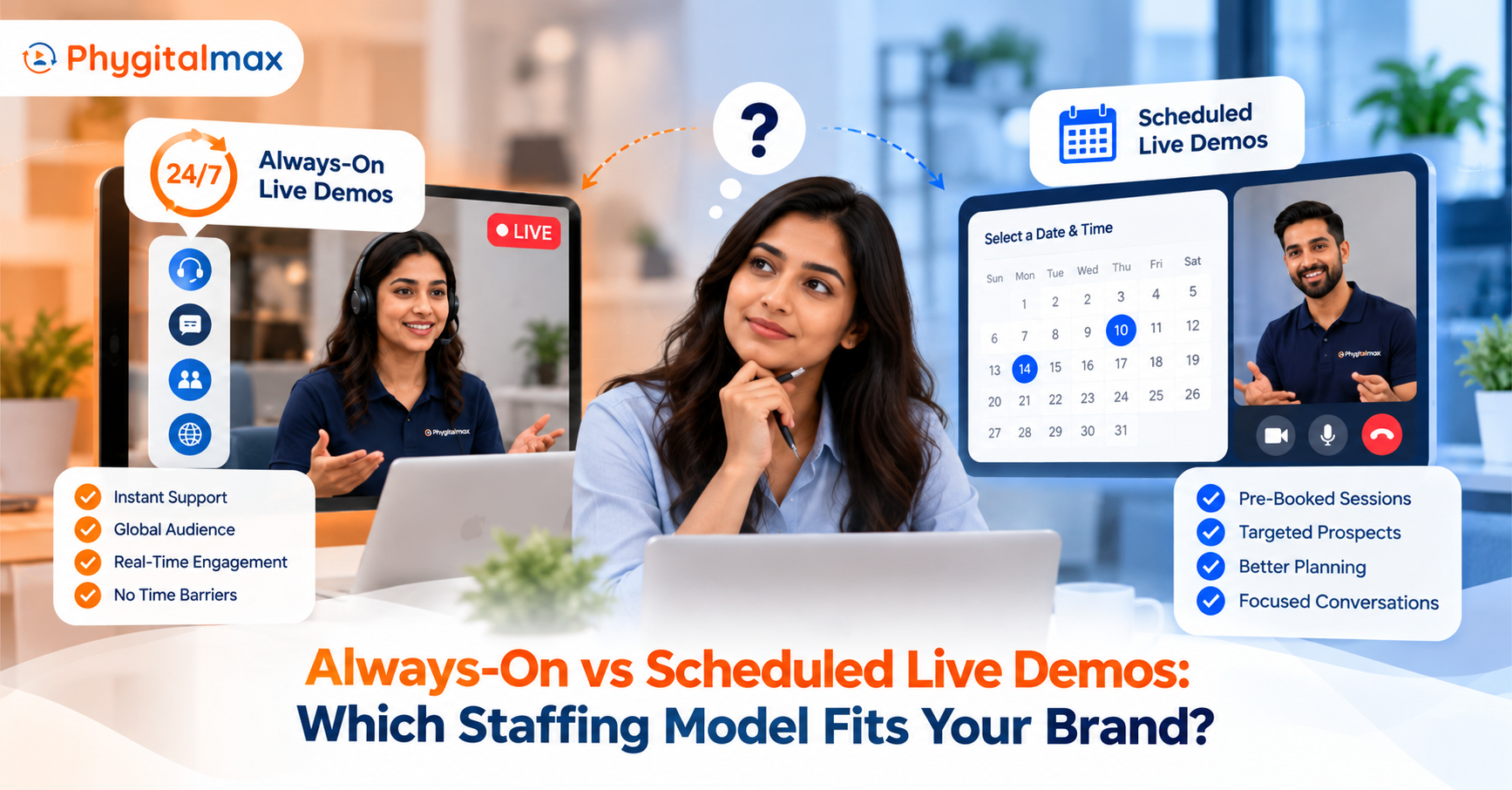
Picture two shoppers on the same product page. One has a question right now and wants an answer before the tab closes. The other is comparing three options, wants a proper walkthrough, and would happily wait until Saturday morning for it. A live demo setup that only serves one of them is leaving the other behind.
That’s the real question behind “always-on or scheduled.” Both are ways of putting a live person on a product page. They differ in when that person is available and how you staff them. This post covers what a live video demo is, what it does for a product page, how each model works, and how to pick between them.
What is a live video demo?
A live video demo is a real-time video call between a customer and a product expert, started from the product page. The expert shows the product, answers questions as they come up, and can look at the same page the customer is viewing.
It is different from a recorded product video. A recording says the same thing to everyone. A live demo responds to the person on the other end.
Benefits of live video demos on product pages
- Questions get answered at the moment of doubt. A spec sheet can’t respond to “will this fit my kitchen?”
- Shoppers see the product in use. In a 2019 consumer survey reported by Chain Store Age, only 16 percent of respondents said they could try a product before buying.
- Fewer returns that start with confusion. In that same survey, 44 percent said a live video session with an expert would stop them from returning a product, against 23 percent for a manual illustration.
- More trust at the final step. Baymard Institute puts average cart abandonment at 70.22 percent. Among the reasons shoppers gave for abandoning, 19 percent cited not trusting the site with their card details.
- A human touch people still want. PwC’s 2025 Customer Experience Survey found that 86 percent of consumers rate human interaction as moderately or very important in their brand experience.
- Faster decisions. McKinsey’s 2021 analysis of live commerce reports conversion rates approaching 30 percent, up to ten times higher than conventional e-commerce. Those figures come from companies reporting their own results, so read them as an upper range, not a promise.
Read more: Why 1:1 Live Video Is the Future of Online Shopping
Two ways to offer live demos
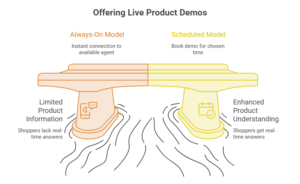
Always-on: connect to an agent instantly
With the always-on model, the product page carries a Connect Now option. A shopper taps it and reaches an available agent right away, with no form, wait, or callback to arrange. It suits the shopper who is mid-decision, because the answer arrives while they’re still looking at the product.
The cost is coverage. Someone has to be available during the hours the option is live, so this model works best when you can predict when your visitors are most active.
Scheduled: pick a time that suits you
With the scheduled model, the shopper uses Schedule to book a demo for a time they choose. It works well for considered purchases, for shoppers who can’t talk right now, and for brands that want to plan agent hours around bookings instead of guesses.
The trade-off is patience. A shopper who books a slot for tomorrow might drift away before it arrives, which is why the strongest setups offer both.
Read more: Cart Abandonment in Ecommerce: Why It Happens and How Phygital Live Video Fixes It
One-to-one and one-to-many demos
One-to-one: a personalized demo
One customer, one agent. The agent can focus on that shopper’s room, budget, and questions, and adjust the demo as the conversation moves. This is the best format for higher-priced or higher-consideration products, where the buyer wants advice, not a script.
One-to-many: one agent, a group
One agent shows a product to several people at once, and attendees can ask questions in real time. It suits launches, group walkthroughs, and categories where many shoppers ask the same things. One agent’s time reaches more people, and attendees often hear answers to questions they hadn’t thought of.
Which staffing model fits your brand?
There isn’t a single right answer, but a few signals point the way.
- Choose always-on if your products are quick to explain, your traffic is steady, and shoppers tend to ask questions mid-browse.
- Choose scheduled if your products are expensive or complex, buyers usually research for days, and your agents are specialists you can’t keep on standby.
- Choose a mix if both describe you: Connect Now during peak hours, Schedule the rest of the time.
- Look at your own data first. PhygitalMax can route video calls to specific agents by product and lets you monitor session details and agent productivity, so staffing hours can follow evidence.
How PhygitalMax helps brands convert more
PhygitalMax puts both models on the same product page, with one-to-one and one-to-many sessions, co-browsing, chat alongside the call, and no app installation for the customer.
The results show up on both sides of the business. Brands using live video demos with PhygitalMax see up to 2x more conversions, and customers rate the experience 9.2 out of 10 on Net Promoter Score, the highest across that company’s channels. A live video demo for sales lifts conversion because shoppers get their questions answered at the moment they’re deciding. Over time that leads to revenue growth and happier customers, which is what keeps them coming back.
Read more: How Live Expert Demonstrations on Product Pages Drive 2x More Conversions
A support use case: the same setup after the sale
The video layer that helps a customer choose can also help them after buying. A customer stuck on setup or troubleshooting reaches an agent on video, and the agent sees the issue instead of guessing from a description. Back-end teams use it for visual assistance, field teams use it for remote inspections before anyone travels, and calls can be transferred or a supervisor brought in.
More on this in Reduce FMCD Product Returns with Live Video Customer Support and From Tickets to Transactions: How to Maximize Customer Support ROI.
Conclusion
Always-on and scheduled aren’t rivals. They answer two kinds of shoppers: the one who needs an answer now and the one who wants a proper conversation later. Start with the model that matches your traffic and your agents’ availability, watch the session data, and add the other when you see where shoppers drop off. If you’d like help choosing, talk to the PhygitalMax team or book a live demo.
Frequently Asked Questions
Q: What is a live video demo?
A: A live video demo is a real-time video call between a shopper and a product expert, started from a product page, where the expert shows the product and answers questions on the spot.
Q: How do live video demos work on a product page?
A: The shopper taps a button on the page to reach an agent right away or to book a time. The agent shows the product, answers questions, and can view the same page the shopper is on.
Q: Are live demos better than recorded product videos?
A: They do different jobs. A recorded video is the same for everyone. A live demo can answer a shopper’s own question and adapt to their situation.
Q: Should I offer always-on or scheduled live demos?
A: It depends on your products and your agent availability. Always-on suits quick, mid-browse questions, scheduled suits considered purchases, and many brands offer both.
Q: Can multiple customers join one live demo?
A: Yes. In a one-to-many session, one agent presents a product to several people, who can ask questions in real time.
Q: Do customers need an app to join a live video demo?
A: With PhygitalMax, no app installation is required.
Q: Can live video demos be used for customer support?
A: Yes. The same video setup helps with troubleshooting, setup help, and remote inspections after the sale.
Q: What should I measure to know if live demos are working?
A: Compare conversion for shoppers who had a demo with those who didn’t, and track agent utilization and customer satisfaction on the calls.